
The best Black Friday deal in the world earns nothing if nobody finds it. Most businesses build their offer in the final week, publish a brand-new page the night before, and wonder why it never shows up. Search engines and AI assistants need time to find, read, and trust a page. With Black Friday on 27 November 2026, you still have just over three weeks, which is enough if you start now. Here is the plan.
The key dates
| Date | Moment | What it means for you |
|---|---|---|
| Now to mid-November | Early research | Shoppers start comparing. Your deals page should already be live. |
| Thursday 26 November | Thanksgiving | Many deals launch early. Have yours ready to switch on. |
| Friday 27 November | Black Friday | Peak traffic. Your site must be fast and clear. |
| Monday 30 November | Cyber Monday | A second wave, often online-only offers. |
| December to early January | Christmas and New Year sales | Reuse the same page and momentum. |
The one setup that keeps working every year
This is the most valuable tip in the whole guide, and most businesses get it wrong. Do not create a new page each year, like /black-friday-2025, then /black-friday-2026. Each new page starts from zero, with no history and no links.
Instead, create one permanent page, such as /black-friday, and update it every year. It builds authority over time, collects links from people who shared it in previous years, and is already trusted when the next November arrives. If you have old year-specific pages, redirect them to the permanent one.
Week 1: Get found before the rush
Search engines need time to discover and index a page. That is why this week matters most.
- Publish your Black Friday page now, even if the deals are not final. Say what is coming, when, and let people sign up for early access.
- Put the year and the offer in the title. Something like "Black Friday 2026: [Offer] at [Business]" matches how people search.
- Link to it from your homepage and main menu. A page buried three clicks deep is hard for both visitors and search engines to find.
- Ask for indexing. Submit the page in Search Console, and if it does not appear within a few days, our guide on why pages do not get indexed covers the usual causes.
Week 2: Make your deals readable by AI and search
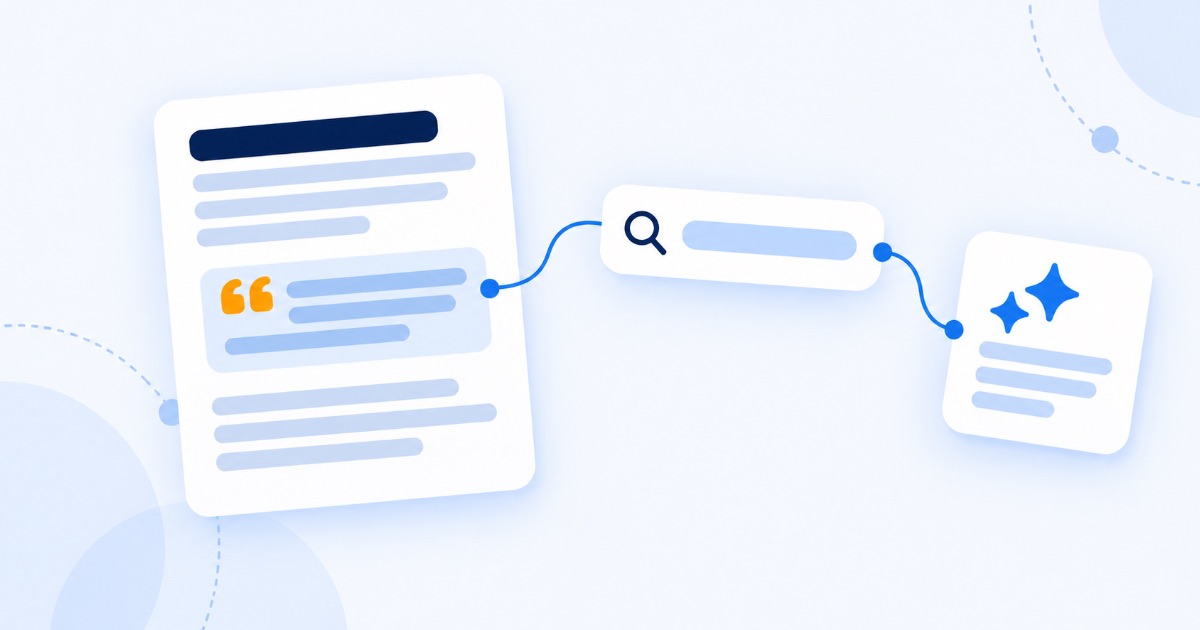
More shoppers now ask AI assistants to compare deals for them. Those assistants can only recommend what they can clearly read and understand.
- Write the important details as text, not only in images. The price, the discount, the dates, what is included, delivery times, and the returns policy. A beautiful banner with the deal baked into the image is invisible to most systems.
- Keep details consistent everywhere. Your website, your listings, and your social posts should show the same prices and dates. Mixed signals make AI and shoppers trust you less.
- Use accurate product markup. Product and offer structured data helps search engines understand prices and availability, but only if it matches what is on the page. We explain what is worth doing in does schema markup still help SEO.
- Answer the obvious questions on the page. When does the sale end? Can I return it? Is delivery free? Clear answers help shoppers and the AI tools comparing on their behalf, a shift we looked at in the reality of AI shopping agents.
Week 3: Get local, social, and press attention
A deal on its own is rarely news. A story attached to a deal can be.
- Update your Google Business Profile. Post your offer, update holiday opening hours, and add fresh photos. Local shoppers check this first, as we cover in ranking higher on Google Maps.
- Find the story behind the sale. Closing on Black Friday to give staff the day off, donating a share of sales to a local cause, or offering repairs instead of new purchases. These are angles journalists cover. Our list of story ideas that get businesses into the news has more.
- Pitch online gift guides. Many publications and blogs update their holiday gift roundups through November. A short, friendly pitch with a good photo and a clear price can earn a place, and a link.
- Warm up your own audience. Email subscribers and social followers get the first look. They are the people most likely to buy and share.
Launch week: Make sure the site survives
- Test your speed under pressure. Traffic spikes expose slow pages and fragile checkouts. Compress images and remove anything heavy you do not need.
- Test the whole purchase on a phone. Most holiday shoppers buy on mobile. Go from the deals page to the payment confirmation yourself.
- Do not change the URL. Update the content on the same page as deals go live. Moving it at the last minute throws away everything you built.
Mistakes that cost you sales, or worse
- Fake "was" prices. Inflating the original price to make a discount look bigger is misleading, and in many places, including the UK and EU, misleading price claims break consumer law.
- Fake urgency. Countdown timers that reset and "only 2 left" messages that are not true damage trust and can also break the rules.
- Deals hidden in images. If the offer only exists inside a picture, search engines and AI tools often cannot read it.
- Deleting the page afterwards. You throw away all the authority it earned. Keep it live.
- Sending all traffic to the homepage. Visitors who came for a specific deal should land on that deal, not have to hunt for it. If visitors arrive but do not buy, our guide on traffic but no leads explains why.
After Black Friday: Turn one weekend into two months
- Roll straight into Cyber Monday on the same page, with an updated headline.
- Switch to Christmas and New Year offers through December and January, keeping the page live and current.
- Ask every buyer for a review once their order arrives. Holiday customers are a huge source of fresh reviews, and our 30 review request messages make it easy.
- When it all ends, change the page to "Our next sale is coming. Sign up for early access." It keeps collecting subscribers and stays ready for next November.
Frequently asked questions
When is Black Friday 2026?
Black Friday 2026 is Friday 27 November, the day after Thanksgiving on Thursday 26 November. Cyber Monday follows on Monday 30 November.
When should I publish my Black Friday page?
As early as possible, ideally three to six weeks before the day. Search engines need time to find, index, and trust a page, and shoppers start researching well before the sale begins.
Should I create a new Black Friday page every year?
No. Use one permanent page, such as /black-friday, and update it each year. It keeps the authority and links it has earned, so it performs better every year. Redirect any old year-specific pages to it.
How do I get my Black Friday deals into AI shopping answers?
Make the details easy to read and consistent. Put prices, discounts, dates, delivery, and return information in plain text on the page, keep them identical across your website and listings, and use accurate product markup.
Is it too late to do SEO for Black Friday?
Not if you start now. A few weeks is enough to publish, index, and promote a well-built deals page. What does not work is publishing the night before and expecting it to rank.
The bottom line
Black Friday rewards the businesses that are visible before the rush, not the ones with the loudest last-minute banner. Publish one permanent deals page today, make every detail readable to people and machines, give the press a real story, and keep the page working through Christmas and the New Year. Do that once, and every November gets easier.
Want to know whether your site is ready for the holiday rush? Our free SEO and AEO audit shows how search engines and AI shopping tools see your pages, and exactly what to fix before the traffic arrives.