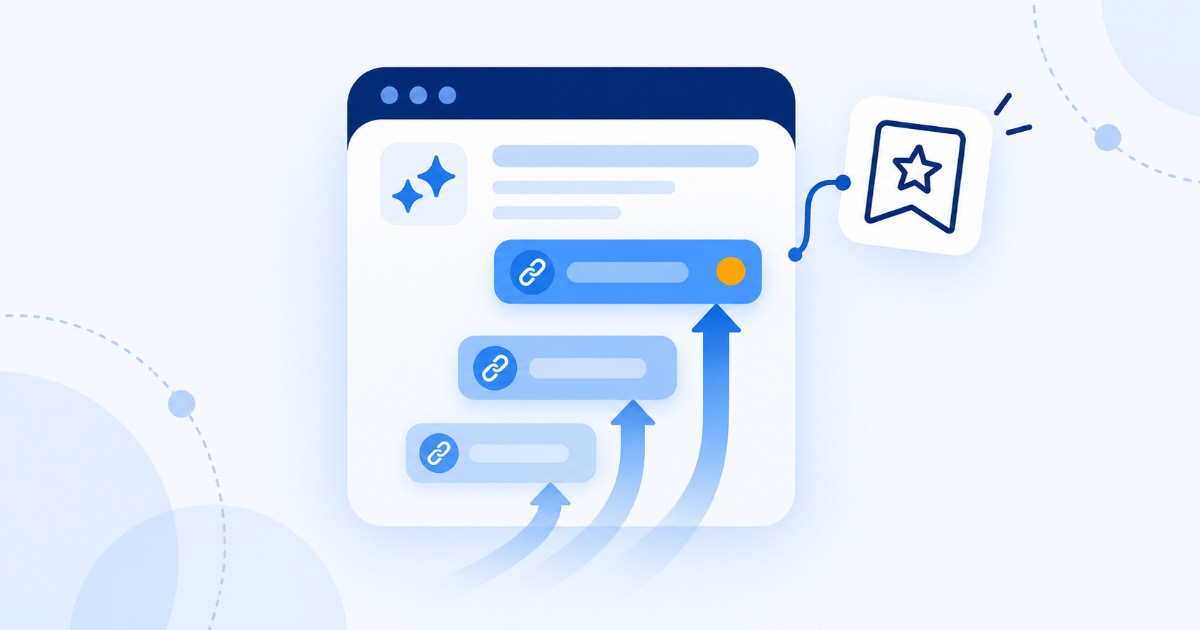

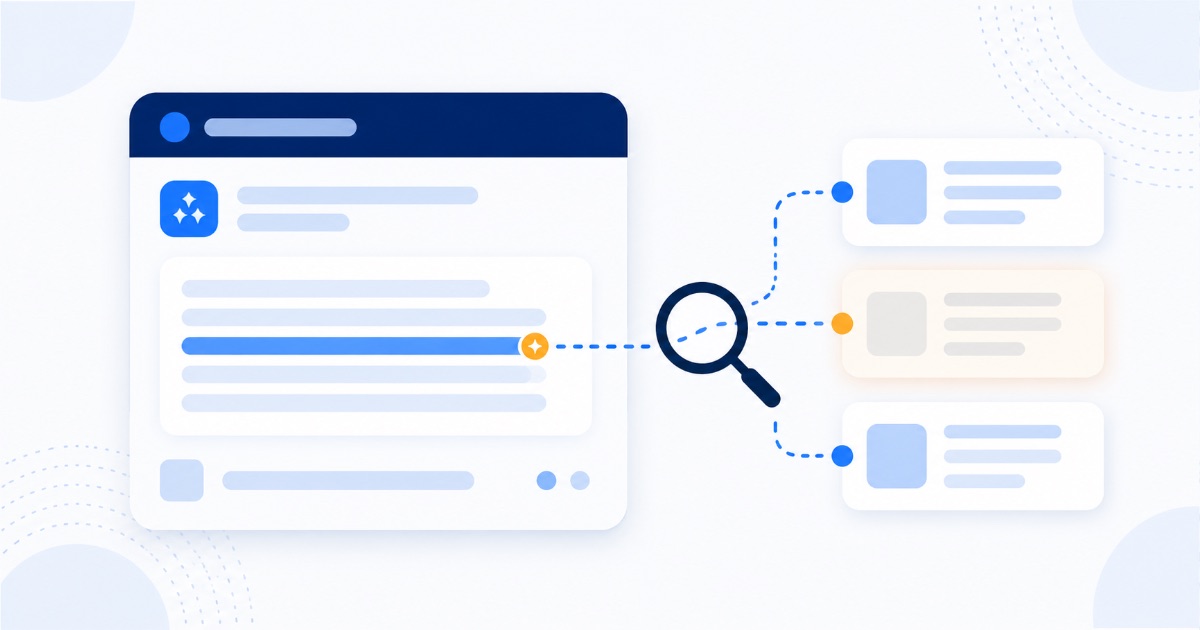
You cannot edit what an AI assistant believes about your business, and no support ticket will change it. What you can do is fix the sources it reads, because every wrong answer comes from one of two places: the model's trained memory, formed from the web months or years ago, or a live web search it ran seconds before answering. Errors from live retrieval usually correct within weeks of correcting the underlying page. Errors from trained memory take longer and correct as the web's consensus about you shifts. The process below identifies which one you are facing, then fixes it at the source.
Step 1: Find out which pipeline produced the error
Ask the assistant the question again and look for citations. This single check determines everything about how fast you can fix it:
- The answer cites sources: it read live pages. Open every cited page, because one of them contains your error, and that page is now your entire to-do list.
- The answer cites nothing: it came from trained memory. The error lives in the model's general impression of you, formed from whatever the web said when it was trained.
- Different assistants say different things: normal, and useful. Compare which ones are wrong, since a single wrong assistant usually means one bad source, while all of them agreeing on a mistake means the web itself is telling the wrong story.
The mechanics behind both pipelines are explained in our guide to where AI answers come from, and understanding them turns this from a mystery into a maintenance task.
Step 2: Find the actual source of the error
In our experience the culprit is nearly always one of these, in roughly this order of frequency:
- An outdated directory listing. Old aggregator profiles carry addresses, phone numbers, and hours from years ago and rank well enough to be read.
- Your own site, quietly out of date. An old pricing page, a services page you never updated, a footer address from a previous office, or a stale year in a page title.
- Old press coverage or announcements that were accurate when published and describe a company that no longer exists in that form.
- Confusion with a similarly named business, which is extremely common and produces the most bewildering answers.
- Third-party comparison pages written by competitors or affiliates, often with wrong pricing and features presented confidently.
- Wikipedia or Wikidata entries, which carry outsized weight with AI systems relative to their accuracy.
If the assistant gave citations, you already know the page. If it did not, search your business name plus the wrong fact and the source usually surfaces on the first results page.
Step 3: Fix it at the source
- Correct or claim the directory listings. Most aggregators allow edits or claims, and this is tedious rather than difficult. Prioritize the ones that actually rank for your brand name.
- Update your own pages first, since they are the only sources you fully control and the ones assistants weigh heavily for facts about you.
- Contact publishers of genuinely wrong third-party content, politely, with the correct information and a source. Many will update, particularly for factual errors like a closure or a price.
- Correct Wikidata if an entry exists, since it feeds knowledge panels and is read widely by machines.
- For confusion with another business, make your distinguishing details unmissable: full legal name, location, and category in your boilerplate everywhere, so the two entities stop blurring.
Step 4: Publish the correct fact where machines will find it
Removing the wrong information is only half the job, because absence leaves a gap that old memory refills. Publish the correct version clearly and repeatedly:
- State the fact plainly on your own site, in text rather than in an image, ideally on a page that already ranks for your brand name;
- Add or update structured data, so the fact is machine-readable rather than inferred;
- Use identical wording across your site, profiles, and listings, since consistency is what teaches models what is true;
- If the change is significant, such as a move, a rebrand, or a new pricing model, announce it publicly so third parties have something current to cite.
Step 5: Get someone else to say it too
Assistants weight independent corroboration heavily, which is why your own page alone often fails to overturn a widely repeated error. Coverage, updated partner pages, directory listings you do not own, and community mentions all reinforce the correction. This is the same mechanism described in our AEO playbook, applied defensively rather than for growth.
Special cases worth knowing
- "This business has closed." Treat as urgent. Check your Google Business Profile status first, since a wrongly marked profile propagates everywhere, then work through directories. This error costs real customers every day it stands.
- Wrong pricing. Usually a cached old page or a competitor comparison. Publish current pricing in plain text on a page that ranks, and keep the wording stable.
- A service you no longer offer. Do not simply delete the page, because deleted pages linger in memory and citations. Replace it with a page explaining what you offer instead, so the correction is readable rather than absent.
- Genuinely damaging false claims. Document what is being said and where, correct the sources, and if the material is defamatory rather than merely wrong, take legal advice about the source page itself, since the assistant is repeating rather than originating it. The measured approach in our guide to handling bad reviews applies here too.
How long the fix takes
Retrieval-based errors correct as soon as the assistant next reads the corrected page, often within days to a few weeks. Trained-memory errors persist until the model is retrained, which is outside your control, though a strong corrected web presence means the next version learns the right thing. In the meantime, live retrieval increasingly overrides stale memory when the question is current, which is why publishing the correction prominently helps even before any retraining happens.
Set a monthly recheck, using the same questions each time, so you notice both the correction landing and any new error appearing. Our 15-minute AI visibility self-test already includes the identity and trust questions this needs.
Frequently asked questions
Can I contact OpenAI or Google to correct information about my business?
There are feedback mechanisms in most assistants, typically a thumbs-down or report option on an answer, and they are worth using for serious errors. They are not a reliable correction channel for business information, so treat them as a supplement to fixing the sources rather than a substitute.
Why does ChatGPT know less about my business than Google does?
Google indexes your site continuously; a model's memory is a snapshot, and small businesses with few independent mentions are represented thinly in that snapshot. The fix is the same either way: more consistent, corroborated information across the web.
Will fixing my website alone solve it?
Sometimes, for retrieval errors, and rarely for memory errors. Your own site is necessary and usually not sufficient, because independent sources carry more weight precisely because you do not control them.
Should I worry if an assistant simply does not know my business?
It is a different problem with the same cure. Being unknown means too few consistent mentions exist, which is the growth version of this article rather than the repair version, and the playbook is our AEO guide.
The bottom line
An AI repeating something wrong about your business is not a glitch to appeal, it is a reflection of what the web currently says. Check whether the answer carried citations, trace the error to its source, correct it there, publish the truth in machine-readable form, and get independent sources saying the same thing. Then recheck monthly, because this is now ordinary maintenance rather than a one-time cleanup. If you would like the sources traced and corrected for you, our free SEO and AEO audit includes finding exactly what the major assistants currently say about your business, and where each claim came from.